



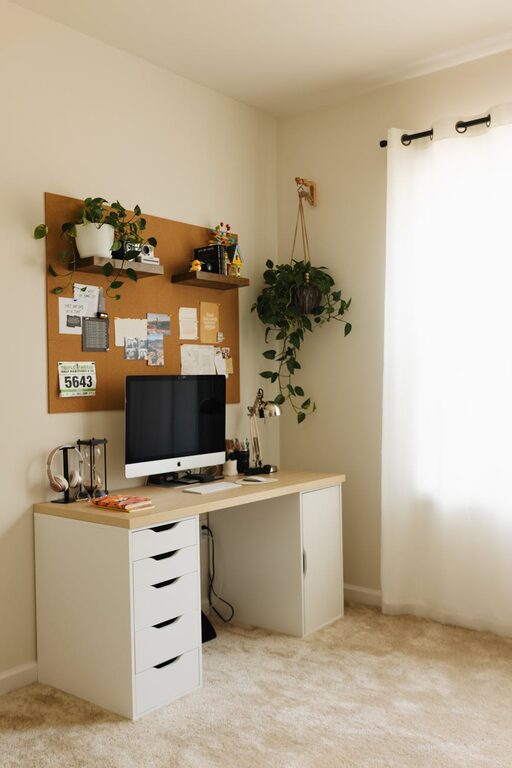
Creating a home office that is both cozy and functional can significantly improve your work experience and productivity. Whether you have a dedicated room or just a small corner, designing a space that suits your needs and comfort is essential. Here are some practical tips to help you set up an inviting and efficient home office.
Choose the Right Location
Find a Quiet Spot
Select a location with minimal distractions and noise. Ideally, your home office should be in a quieter part of your home, away from high-traffic areas like the kitchen or living room.
Consider Natural Light
Natural light can boost your mood and productivity. Position your desk near a window to benefit from daylight, but avoid glare on your computer screen by adjusting curtains or blinds.
Invest in Comfortable Furniture
Ergonomic Chair
A good ergonomic chair supports your back and encourages proper posture. Spending a bit more on a quality chair can prevent discomfort and long-term health issues.
Practical Desk
Choose a desk that fits your space and workflow. Whether it’s compact or spacious, ensure it has enough surface area for your computer, documents, and other essentials.
Organize with Purpose
Declutter Regularly
Keep your workspace tidy by regularly removing unnecessary items. A clutter-free environment enhances focus and reduces stress.
Use Storage Solutions
Incorporate shelves, drawers, or filing cabinets to keep supplies organized. Desk organizers, pen holders, and cable management tools can make a big difference.
Personalize Your Space
Add Comfortable Textiles
Soft rugs, cushions, or curtains can make your office feel warmer and more inviting. Choose colors and textures that you find calming.
Incorporate Plants
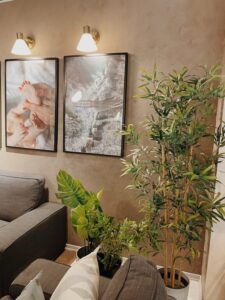
Indoor plants improve air quality and add a natural touch, helping to create a peaceful atmosphere.
Decorate Thoughtfully
Include artwork or photos that inspire you, but don’t overdo it. A balanced look combines personality with professionalism.
Optimize Lighting
Use Layered Lighting
Combine ambient lighting with task lighting. A desk lamp with adjustable brightness is great for focused work, while overhead lights ensure general illumination.
Choose Warm Bulbs
Warm white bulbs create a cozy atmosphere that is easier on your eyes compared to harsh, cool lighting.
Equip Your Office with Technology
Reliable Internet Connection
A strong, stable internet connection is key for remote work, video meetings, and online research.
Necessary Accessories
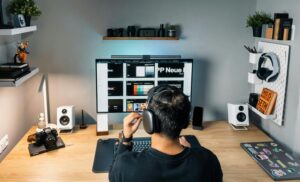
Invest in noise-cancelling headphones, a quality webcam, or additional monitors if your work requires them. These tools can improve comfort and efficiency.
Maintain a Healthy Environment
Air Quality and Temperature
Keep your home office well-ventilated. Use a fan or heater as needed to maintain a comfortable temperature.
Take Breaks and Move
Set reminders to stand, stretch, and take short breaks. This improves circulation and reduces fatigue.
Design for Your Workflow
Define Zones
If space allows, create distinct areas for different tasks, such as a reading nook, meeting corner, or storage zone.
Flexible Setup
Use adjustable desks or modular furniture that lets you change your setup based on your needs.
Final Thoughts
A cozy and functional home office is all about balance. Combining comfort with organization and the right tools creates a space where you can thrive. Start small, customize as you go, and make your workspace a reflection of you. With these tips, your home office can be a place you look forward to spending time in every day.

More Stories